
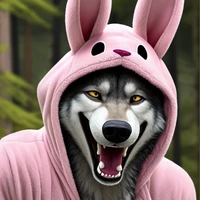
Model Description
(includes 3 different versions, full, pruned and inpainting SD checkpoints, also preview images for each of them)
I created this model as a by-product from from my original merge, https://civitai.com/models/295429 aka CBMX.
The point was to go to a totally different way, from semi realistic cartoon style to a very cartoonish style. Basically it's quite good with character loras, embeddings and so on, with a cartoonish (but still bit realistic) style.
As I created this thing my main point was to get it work with CHARACTER loras etc. So that's what it's basically all about.. With this model you can also make nice images not being cartoonish at all and so. It's totally up to you.
I prefer using ADetailer to get faces perfect. https://github.com/Bing-su/adetailer
- Developed by: MrBlackSheep
- Model type: Checkpoint (3 different ones, full, pruned and inpainting version)
- License: creativeml-openrail-m


- Downloads last month
- 64